Description of ZeRo S+ Gaming Chair with Footrest - GM3
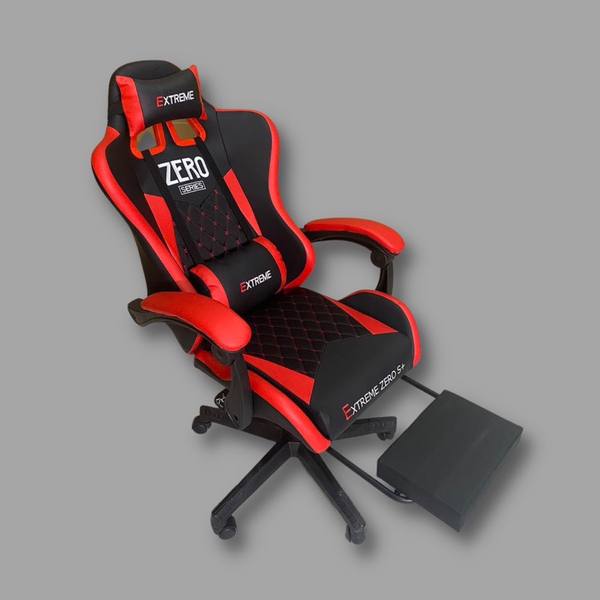
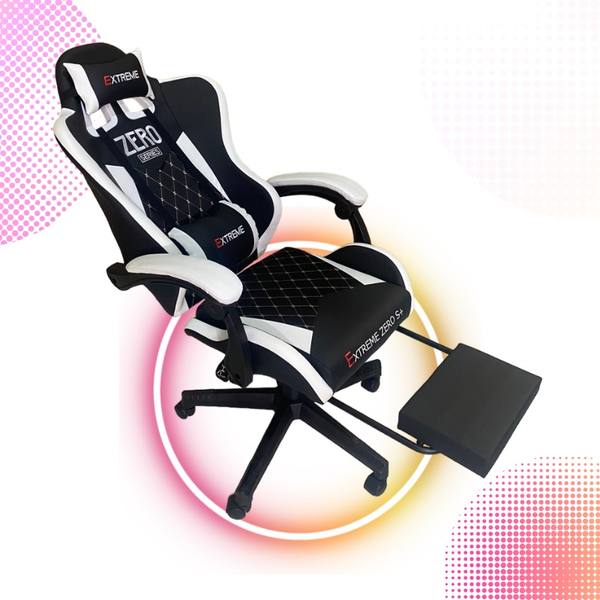
ZeRo S+ Gaming Chair with Foot Rest - GM3 Is a product with a height suitable for all ages in Vietnam. The chair uses high-quality leather that does not accumulate heat, creating dryness for the user. The chair's arms are made of molded plastic and covered with soft leather for the user. The chair's backrest has a solid structure to help support the chair body firmly.
Specifications:
| Goods | Import |
| Color | Black, Blue, Pink, Red, White |
| Chair Material | Leather-covered plastic arms, industrial leather material, molded plastic swivel legs, sturdy steel chair frame |
| Product Line | ZeRo S+ Gaming Chair with Footrest - GM3 |
| Features | Fixed, Firm, rotating, leaning, with footrest |
| Guarantee | 12 Months |
Advantage
The chair is designed using a smart 2-lever control system that allows the user to adjust the height - Recline and relax depending on the user's needs.
The 5-pointed star legs are made of sturdy molded plastic, combined with nylon wheels that grip the floor well
Product Selection
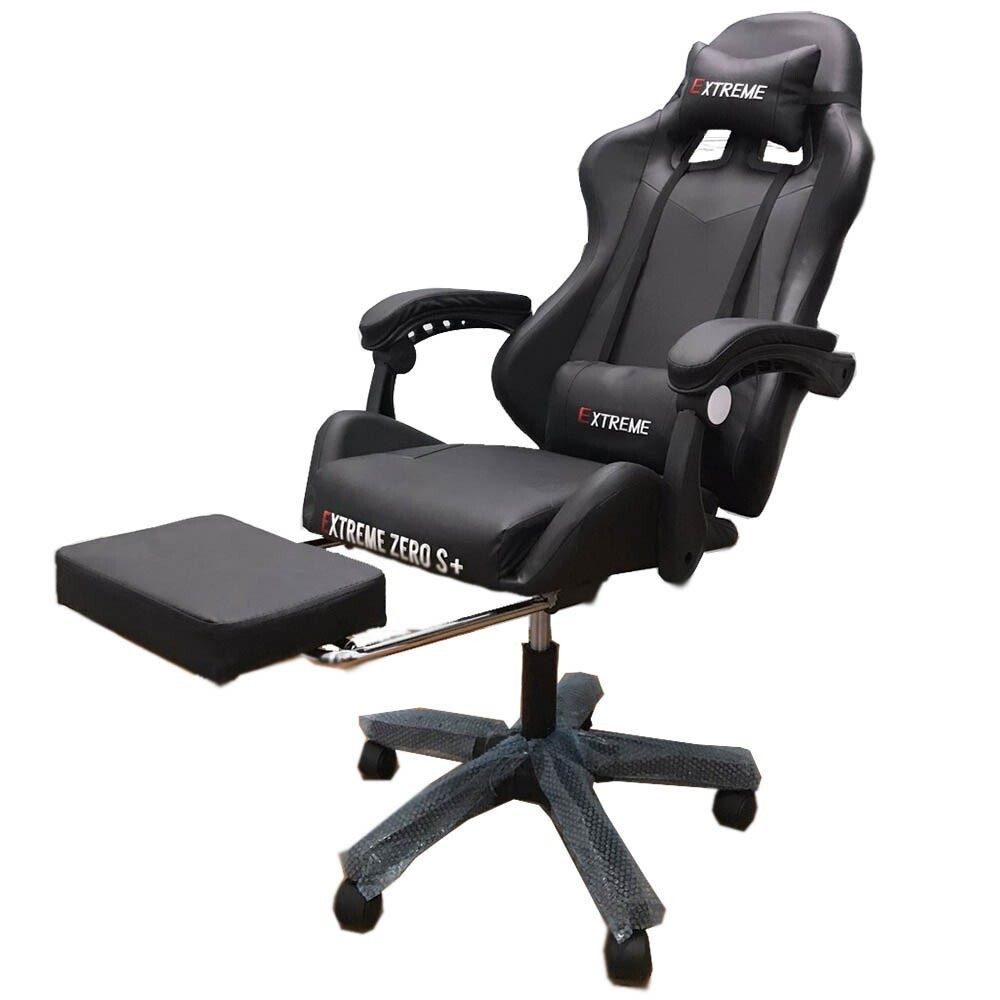
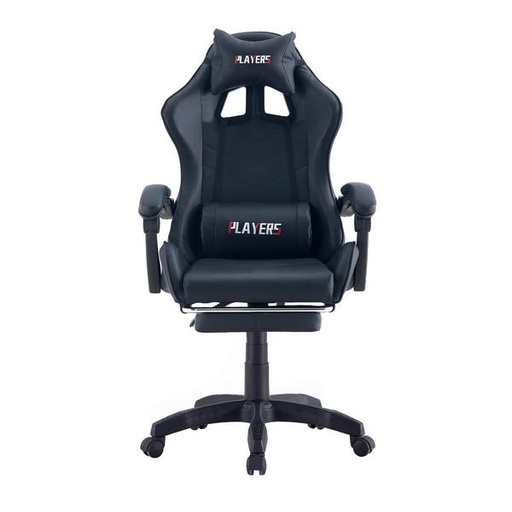
Black 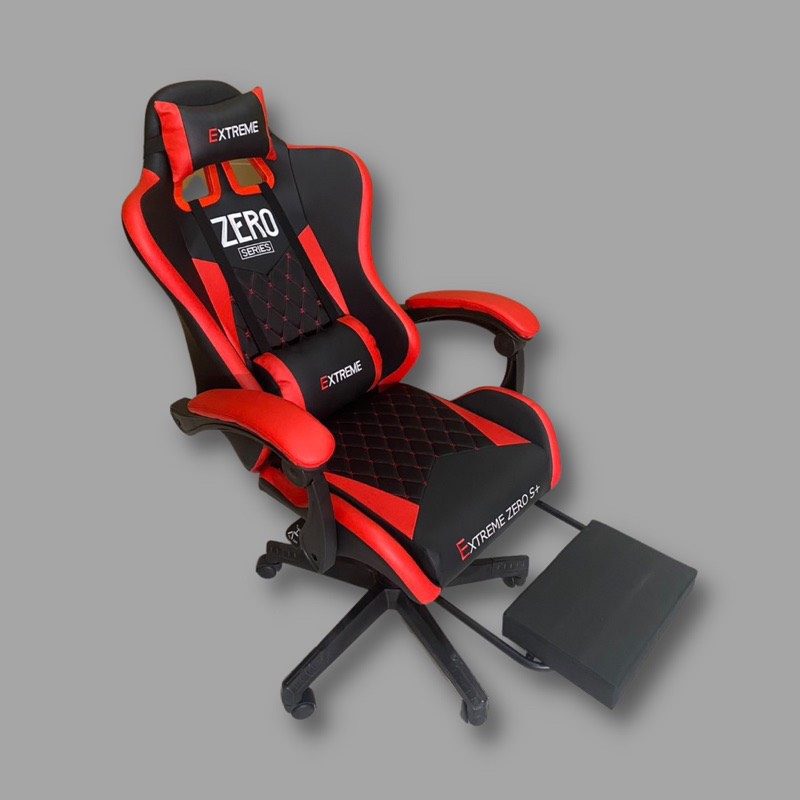
Red Mixed With Black With Footrest 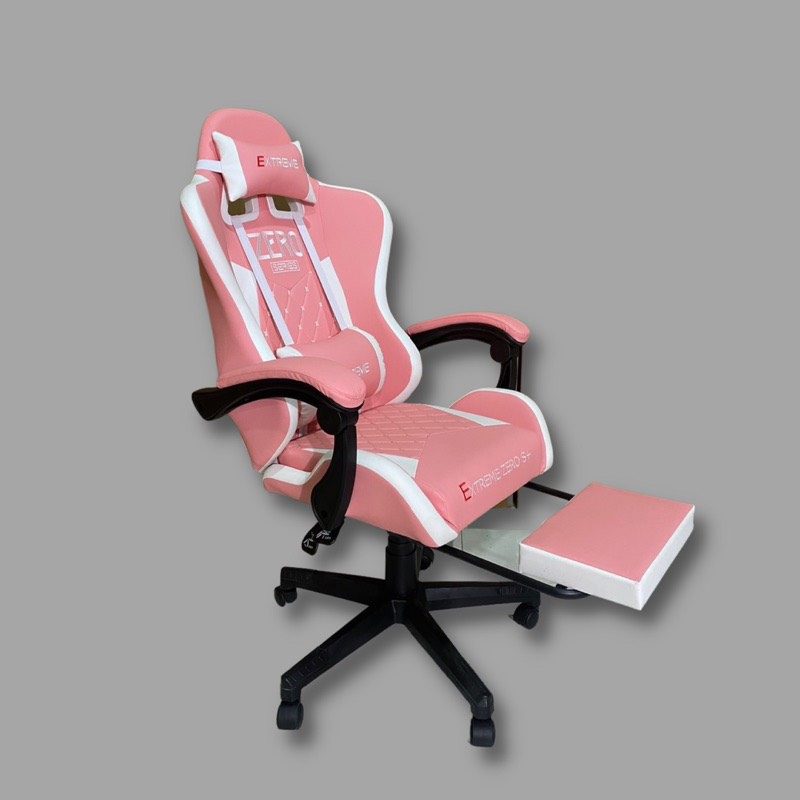
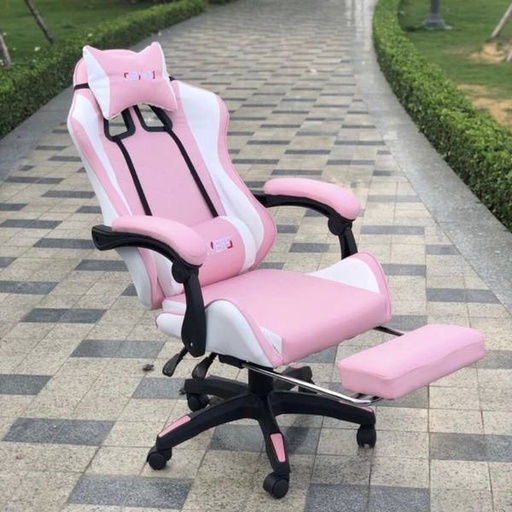
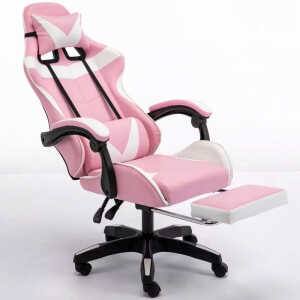
Pink Mixed With White 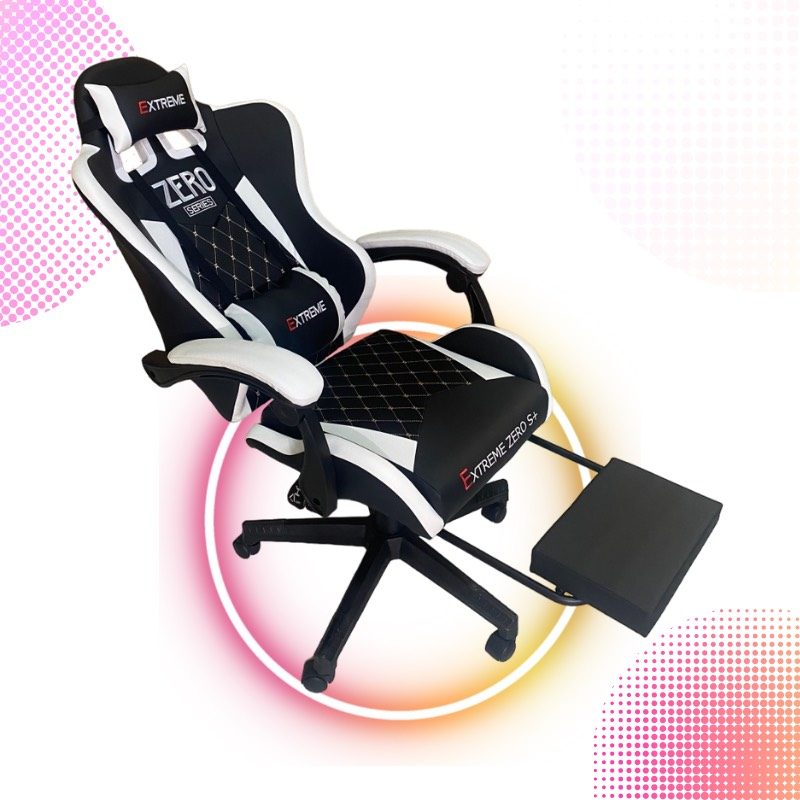
White Mixed With Black 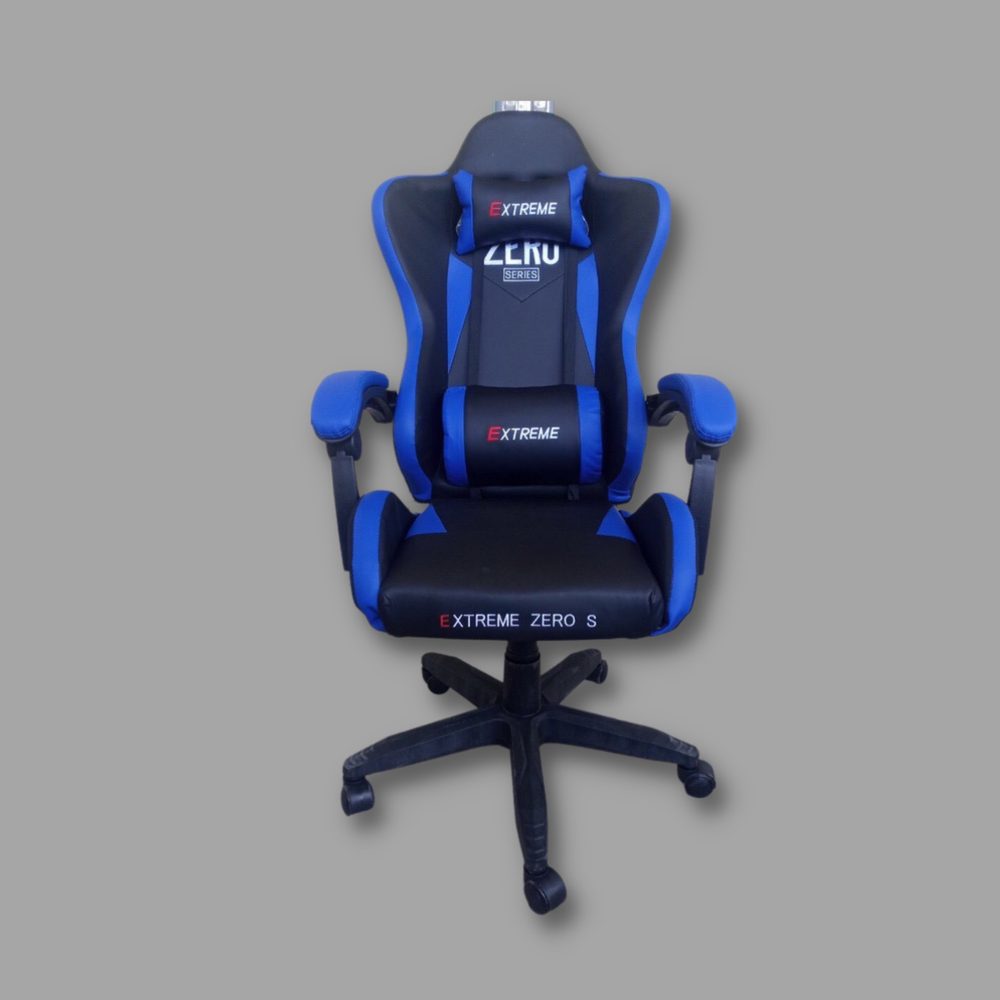
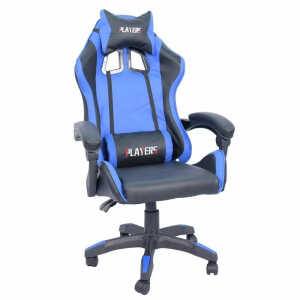
Blue Mixed With Black 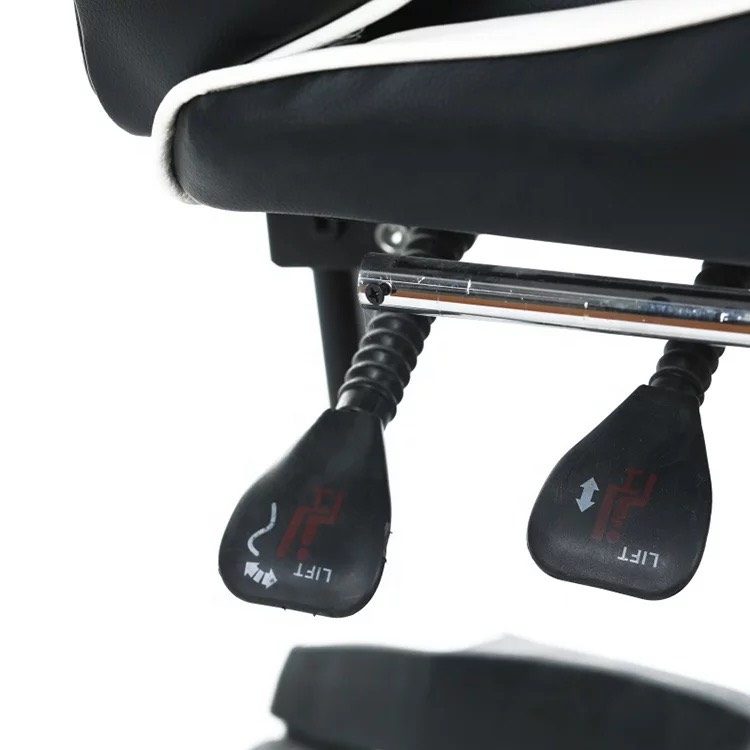
2-Lever Control Plate INSTRUCTIONS FOR USE
How to adjust the height and height of a swivel gaming chair : You just need to gently push the lever below the seat cushion, located on the right hip of the chair. When you need to raise the chair, you need to stand or leave the seat cushion, use your hand to hold the lever and push up. When you reach the desired height, release your hand and the chair will remain at that height.
Adjusting and lowering the gaming swivel chair : You just need to sit still on the chair and use your hand to push the lever, then pull the lever up to the seat cushion, until it reaches your desire, then release your hand. Because the swivel chair lowers its height using the mechanism of using body weight to press down.
Adjusting Reclining Relaxation : You just need to lean back in the chair and use your hand to push the lever, then pull the rear lever up to the seat cushion until you reach the desired position of reclining, then stop, and withdraw the footrest under the seat cushion and enjoy.



![[GM3] Ghế Gaming ZeRo S+ Có Gác Chân - GM3](/web/image/product.image/186/image_128/%5BGM3%5D%20Gh%E1%BA%BF%20Gaming%20ZeRo%20S%2B%20C%C3%B3%20G%C3%A1c%20Ch%C3%A2n%20-%20GM3?unique=8481dfa)
![[GM3] Ghế Gaming ZeRo S+ Có Gác Chân - GM3](/web/image/product.image/186/image_1024/%5BGM3%5D%20Gh%E1%BA%BF%20Gaming%20ZeRo%20S%2B%20C%C3%B3%20G%C3%A1c%20Ch%C3%A2n%20-%20GM3?unique=8481dfa)